The Guided Camera App
Tell your story.
A complete video.
No editing required.
Pick a story you want to tell. The shot list (a shot-by-shot guide) walks you through what to capture and for how long, switching cameras for you. When you finish shooting, your video's done and ready to share.
300+ story templates · 30+ categories · 5.0 stars on the App Store
The Journey
Five minutes. One incredible video.
Here's how a baker turns a signature treat into a video worth sharing.
You have an idea
You run a bakery. Your treats are incredible, and you want more people to see them.
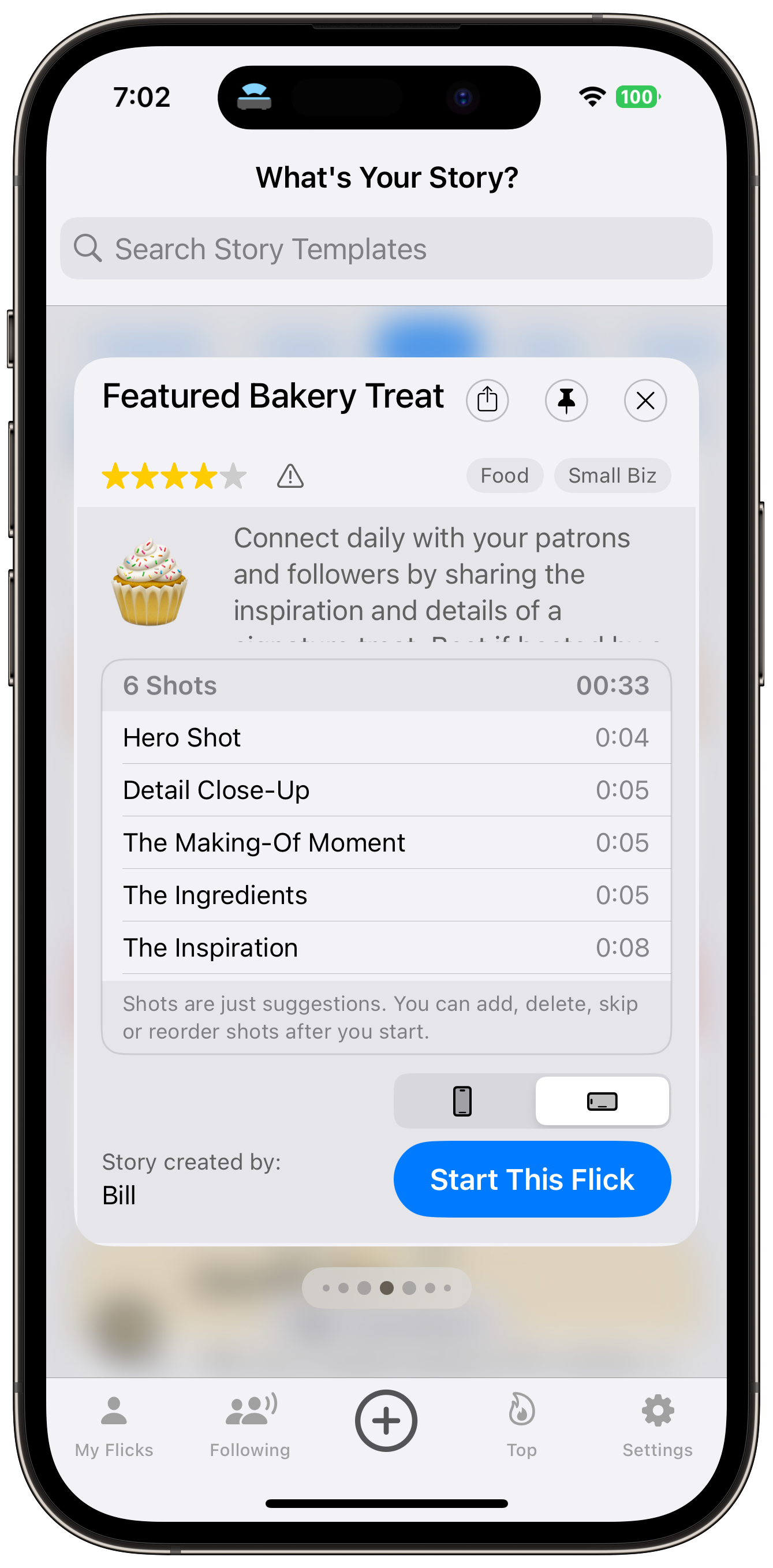
You open NanoFlick, browse the story templates (guided shot lists), and find "Featured Bakery Treat." It’s a 6-shot guide that tells you exactly what to shoot: the hero shot, the close-up, the making-of moment, the ingredients, your inspiration, and the invitation. 33 seconds of footage. No crew, no plan, no budget.
Your phone is the director
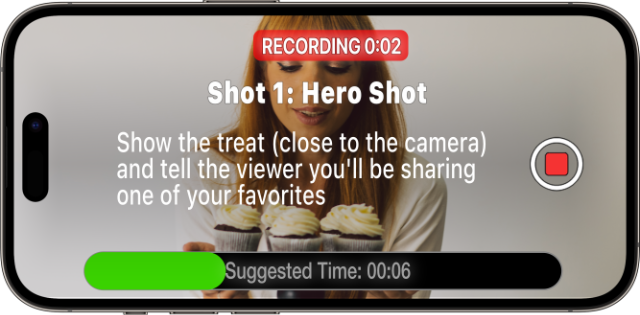
The screen shows your first shot, with a 6-second timer. You point. You shoot. Done.
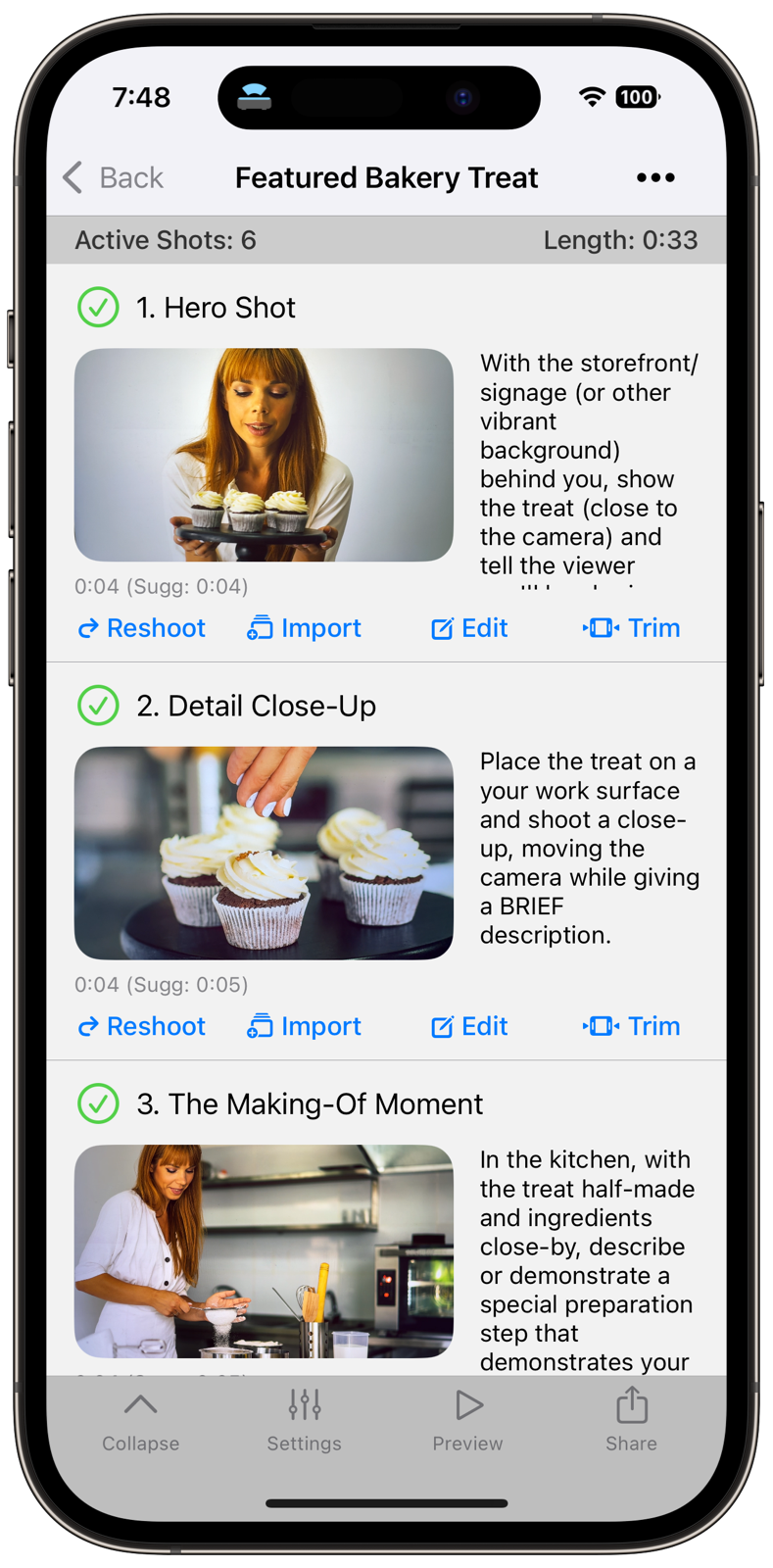
Your phone moves to shot 2 and flips to the rear camera for you. A 5-second shot. Shot by shot, your video builds as the app handles sequence and timing. Didn’t nail a shot? Reshoot that one and keep going.
You make it yours
Six shots, all done. Your video’s already complete, and you could share it right now.
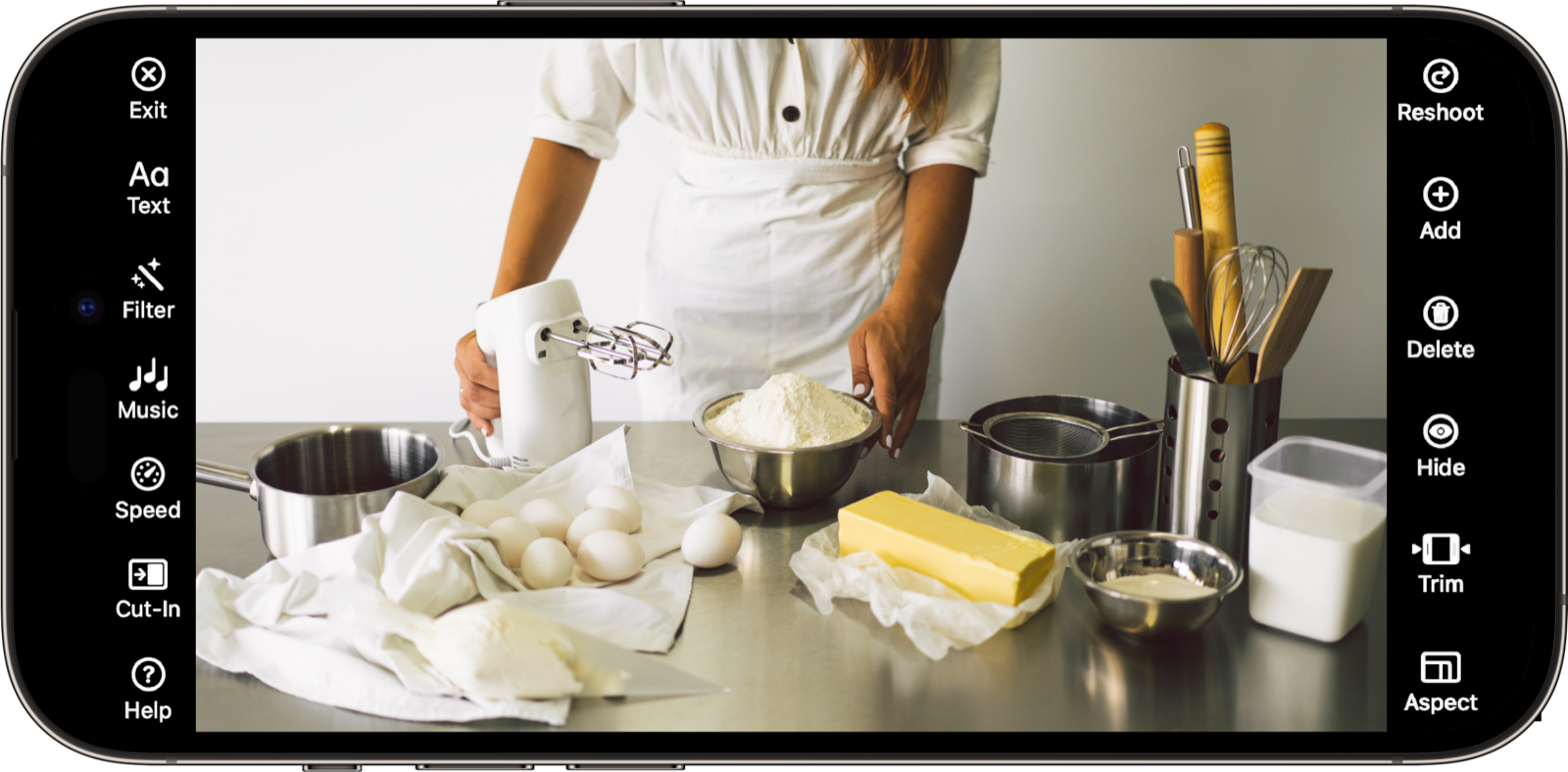
You want to add your touch, though. You trim the close-up by a second, add captions so people can watch with the sound off, drop in some background music, and put your bakery name on a text overlay.
All optional. Your video works without any of this.
You hit preview
You tap play. Six shots flow together with music, captions, and transitions all timed automatically. It looks like you hired someone. You didn’t. Four minutes and a phone.
The world sees it
Five minutes ago this was an idea. Now it's live and working for you.
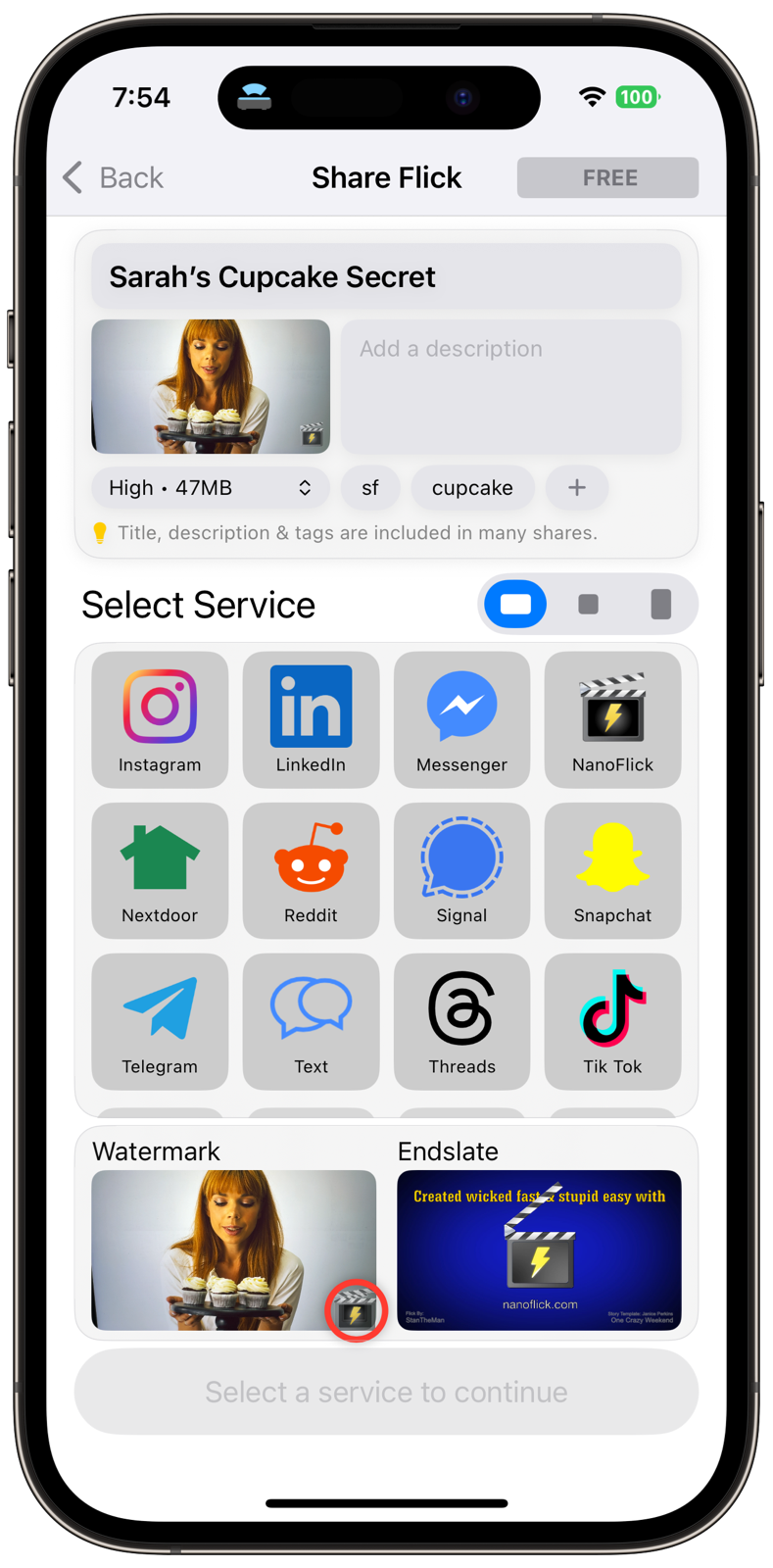
Share to any platform, and pick portrait, landscape, or square for each. One shoot gives you a full-frame version for every format.


















Five minutes. Done.
That was a bakery. The same flow works for birthday parties, product launches, concerts, and any other story worth telling.
Built for people who'd rather make videos than edit them

Content Creators
Skip the editing software entirely. Build your own story templates and turn out videos in minutes. More content, more consistency, less time stuck in a timeline. Your fans and sponsors notice when you show up regularly.

Small Businesses
Show your products, space, and team in your own voice. The story template handles the shot list and structure. You point your phone and shoot. More authentic content, lower cost.

Teams & Organizations
Anyone on your team can make an on-brand video, with no training and no video experience required. Shared story templates keep every video to the same structure and quality, whether it’s shot by your CEO or your newest hire.
Learn moreCreative Suite
Full creative tools, per shot.
Your video's already done when you finish shooting. These tools are here when you want them, for tweaks or going all-in on your style.
Take it further with Teams
Private story templates to keep your shot list to yourself. Unlisted templates to share with fans for UGC campaigns. Brand Kits with intros, outros, endslates, music, and more, plus admin and team controls and priority support.
Learn moreStory Template Library
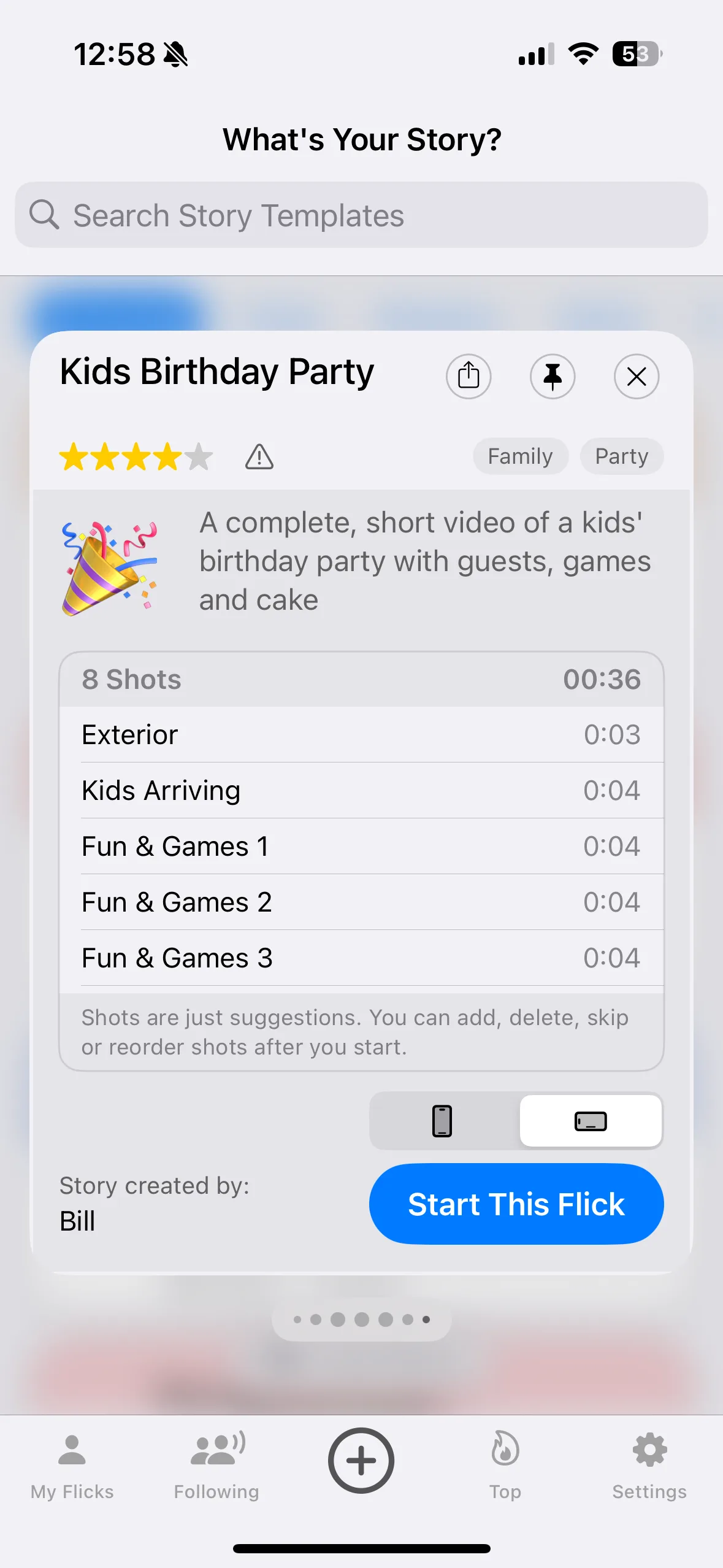
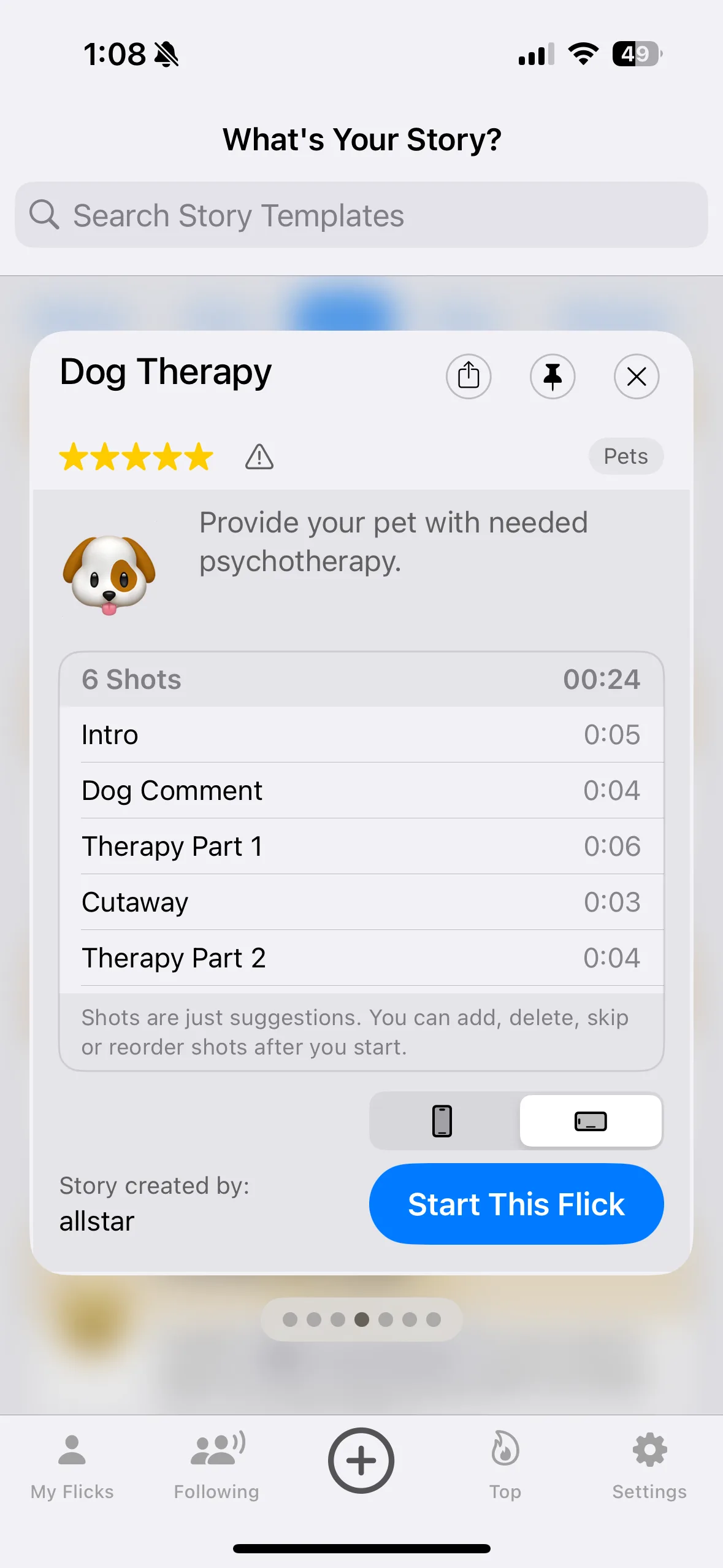
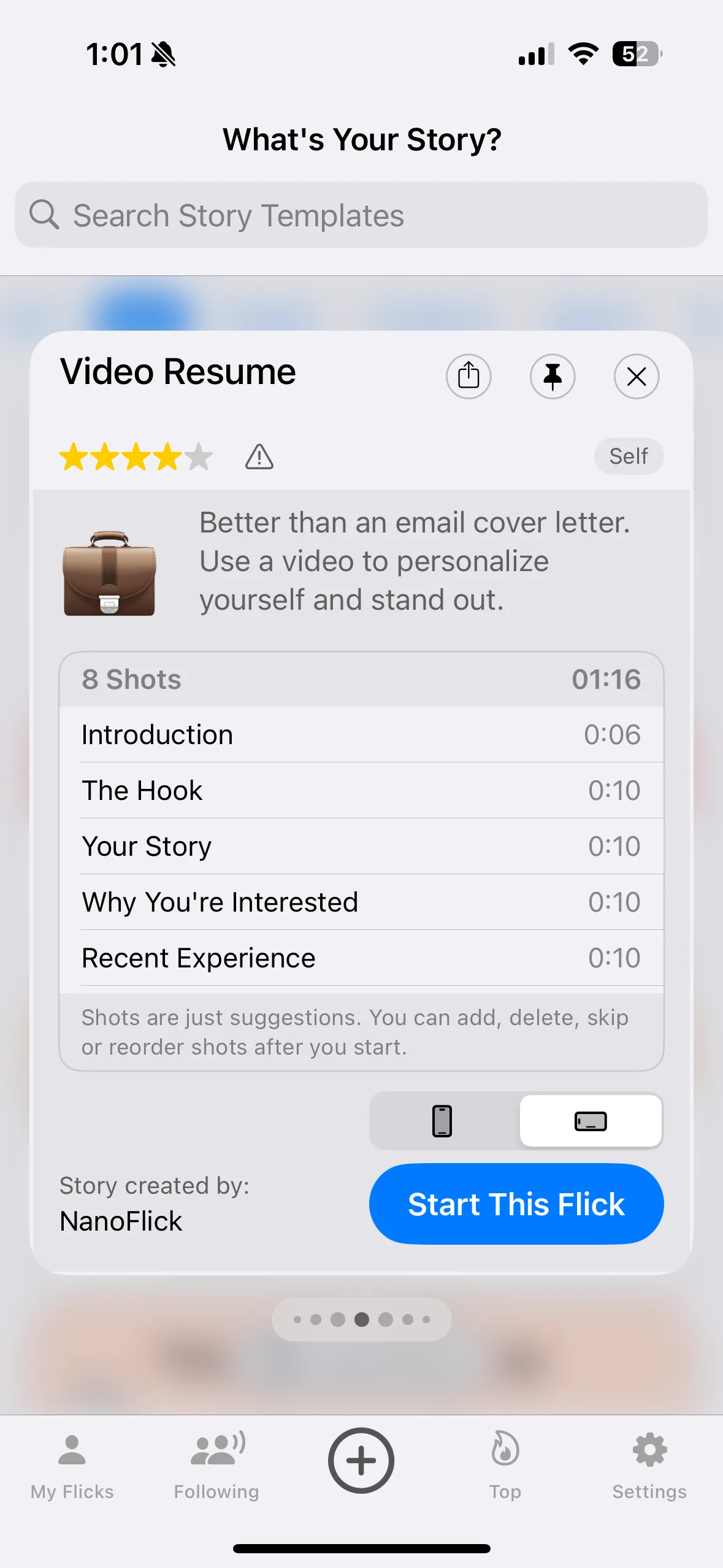
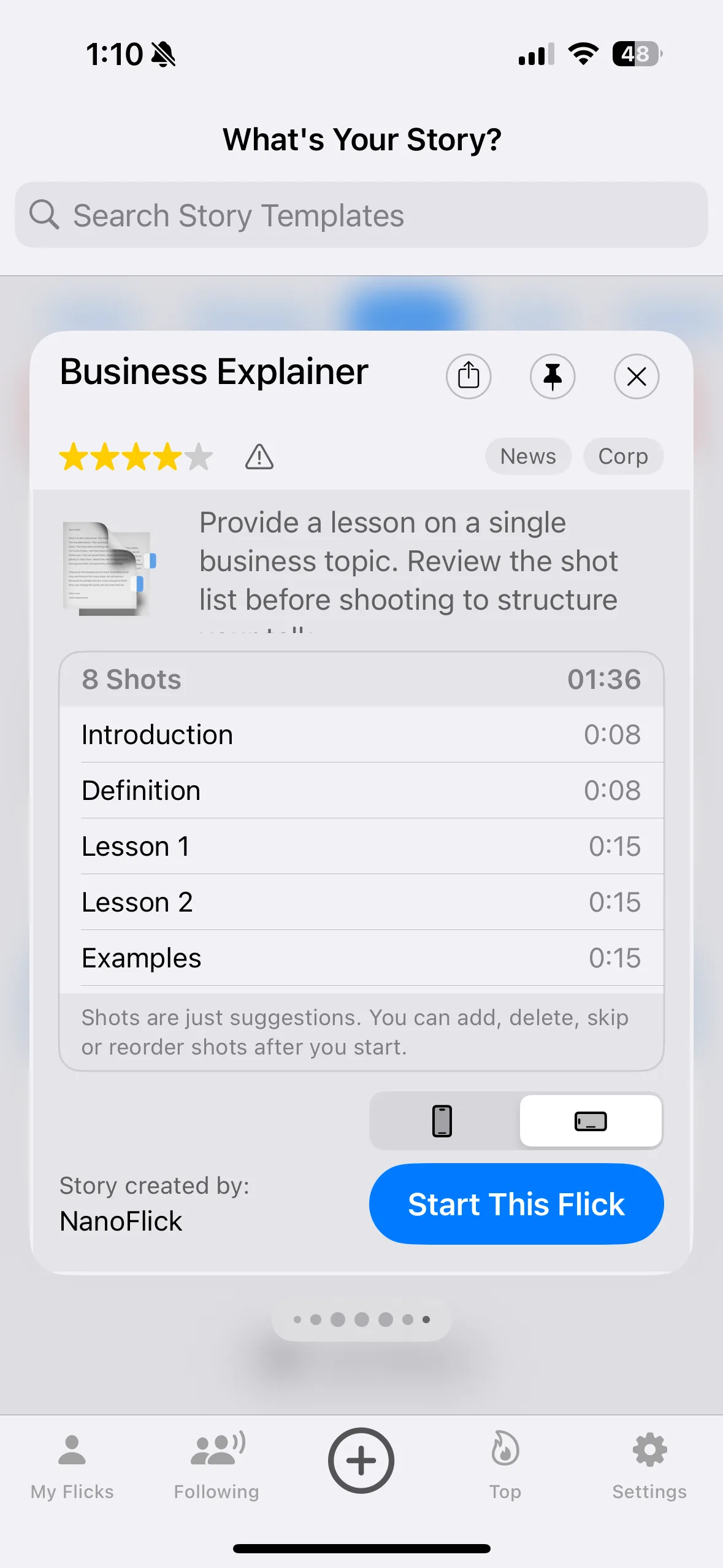
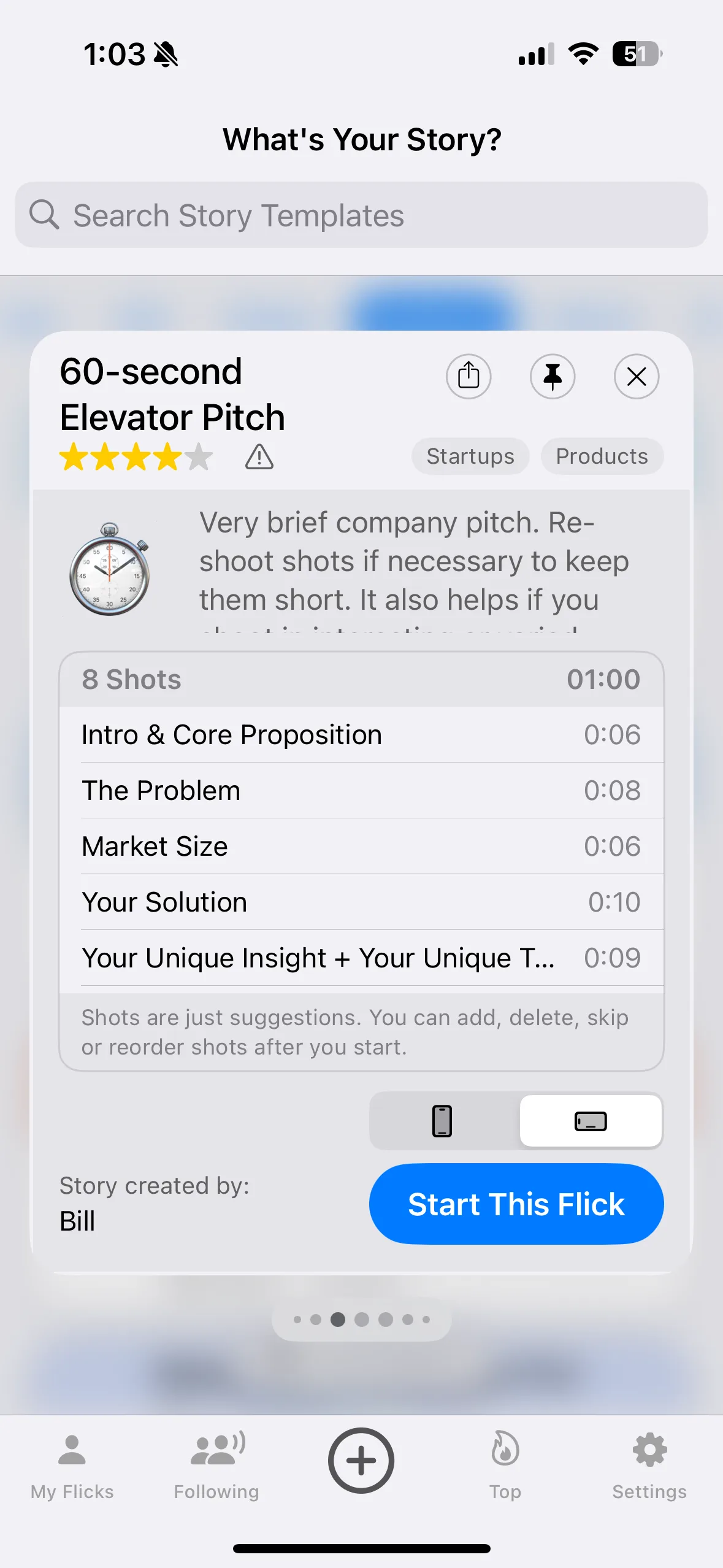
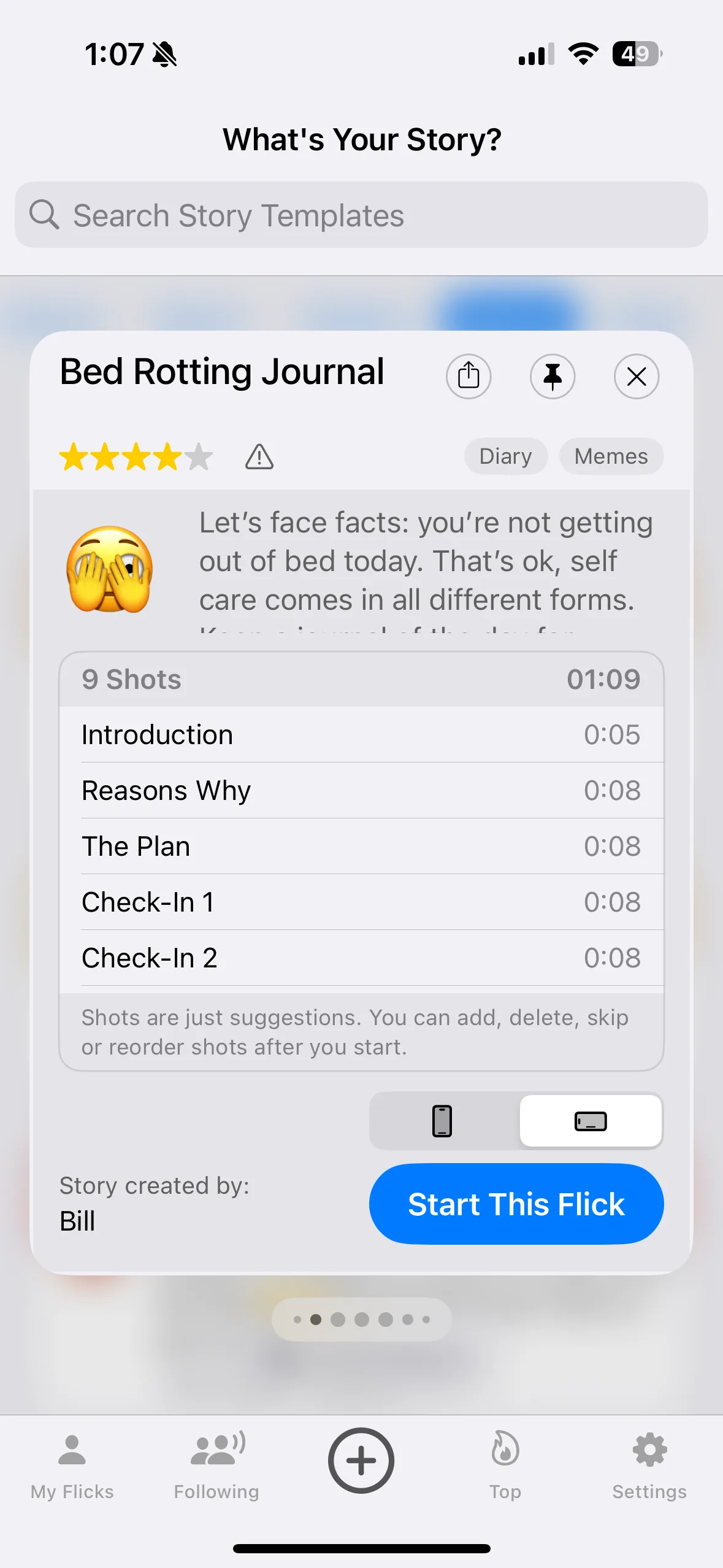
That was one story. There are hundreds more.
Birthday parties, product launches, real estate tours, team updates, travel recaps, tutorials. Whatever you want to show the world, there's a story template for it.
What People Are Saying
Loved by creators everywhere
“Great for casual videos”
“This doesn’t compete with high-end editors, but it’s great for everyday videos.”
App Store Review
“Awesome — fastest way to tell a story”
“Great story templates — I’m literally done after my last shot.”
App Store Review
“So much fun for awesome videos”
“Love all the great templates for making great videos.”
App Store Review
Tell your story.
Every Flick is free, with no limits and no trial. Pick a story and see what five minutes can do.
FAQ