11 Tips for your 2026 Y-Combinator Application Founder Video
A shot-by-shot cheatsheet plus 11 tips for making a successful YC founder video. Lead with shock and awe, show team chemistry, keep it cut and dry.
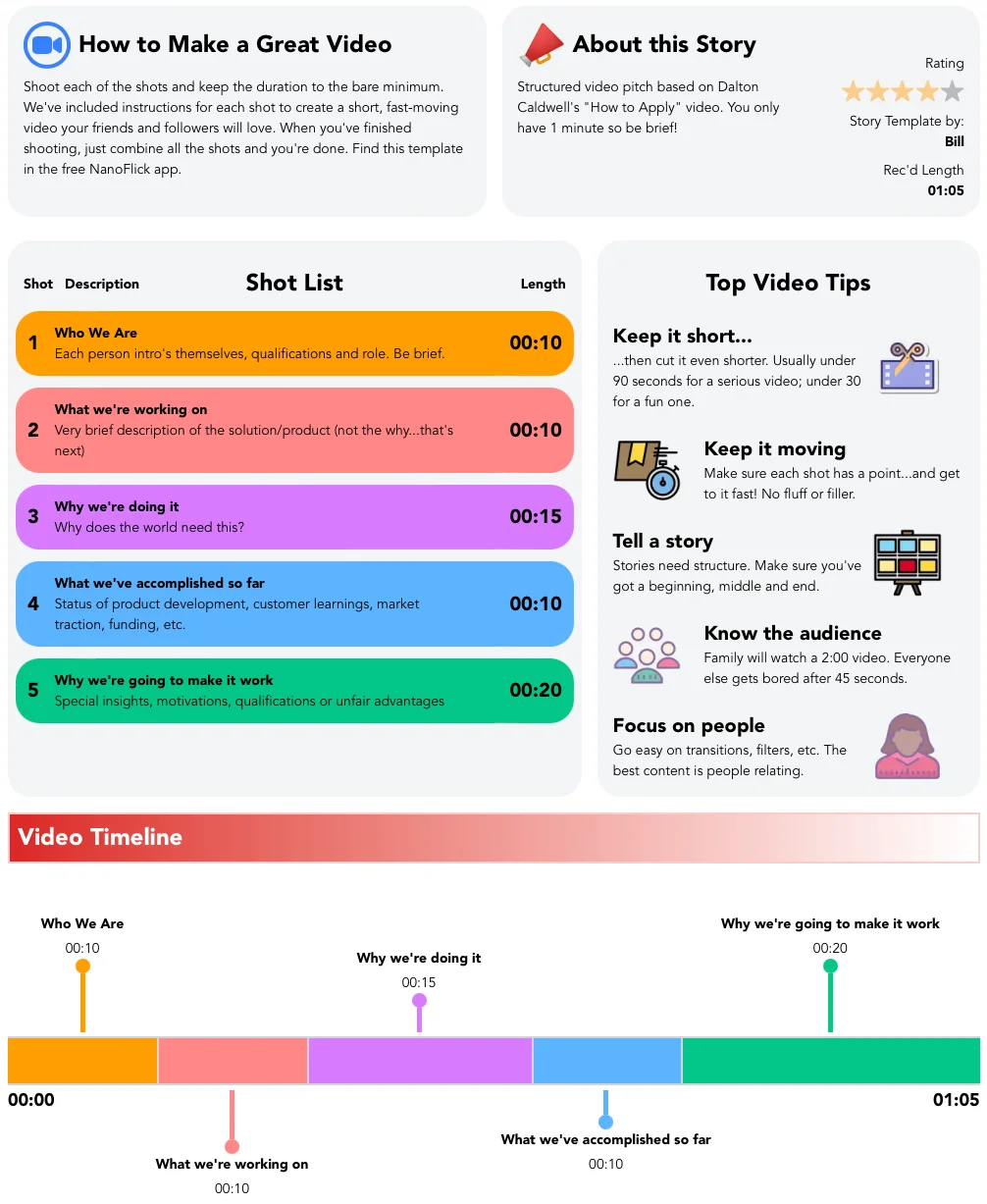
Plus a shot-for-shot cheatsheet for your YC founder video.
Congratulations on getting your startup to the point of applying to Y-Combinator. To help you best represent your business, we've prepared this guide for making your founder video. There's a shot-by-shot guide, followed by our favorite tips for a successful Y-Combinator video.
Shot-by-shot cheatsheet for your Y-Combinator Founder Video, link here
Note: These instructions are built to fit YC's instructions of a simple, straight-forward talking-heads video. Every second spent playing with subtitles, filters or transitions is better spent talking to customers. Keep it cut & dry without music, sound effects or other embellishments.
1. Lead With Shock & Awe
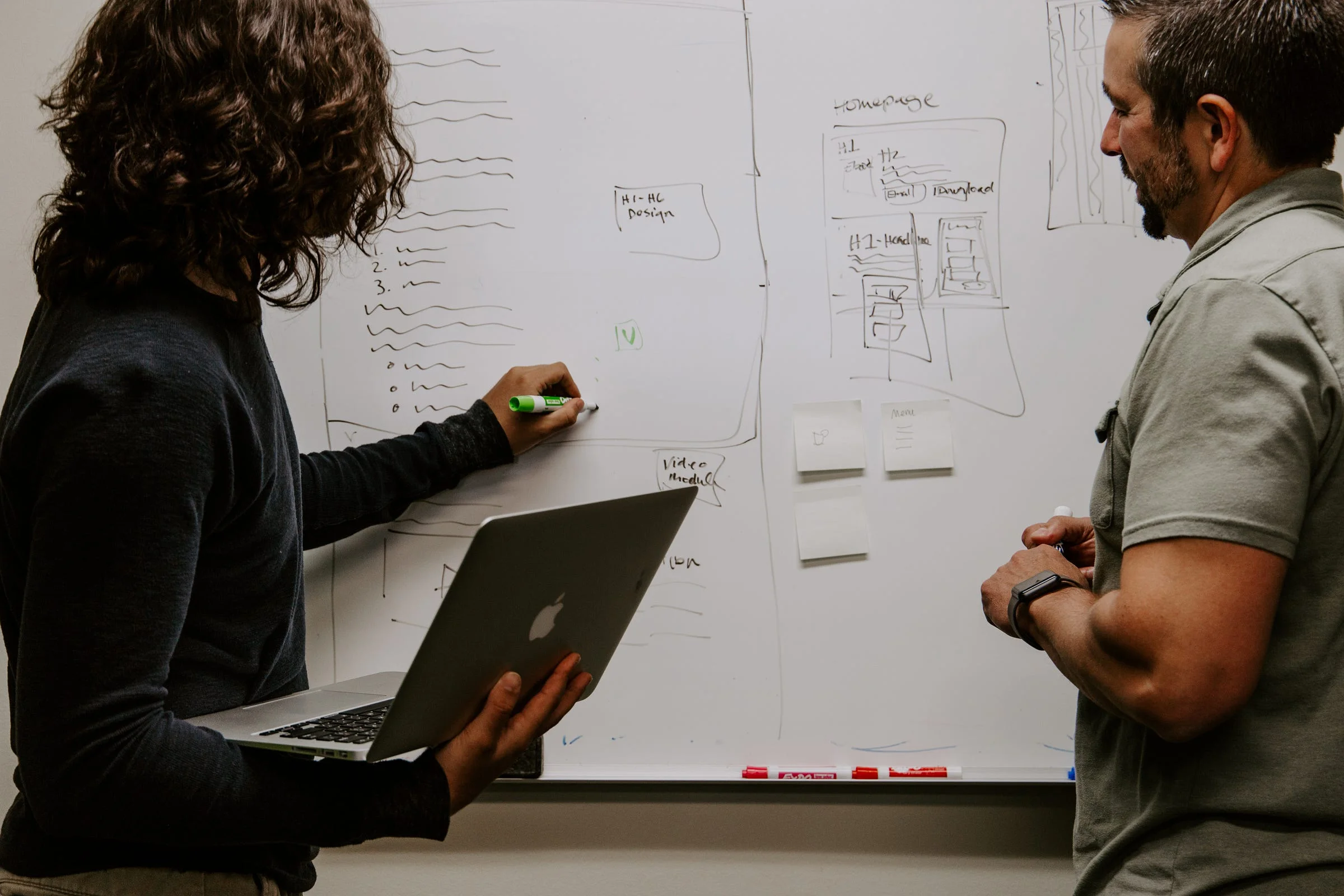
What's your most impressive claim? It could be a super-qualified team member, an impressive list of early customers, investors, or best of all, numbers: growth rate of customers, revenue, app installs, etc. It should be more about validation of your idea than the idea itself.
2. Team > Product > Business
They value team over your product. And your product over your business model. It should be visually obvious that the co-founders like and respect each other, and have a rapport that will keep velocity fast, agility quick and decision-making crisp.
3. Don't Puff Up & Don't Shrink Down
Confidence, honesty, intelligence, integrity, strong work ethic and ability to both lead and follow are impressive. Hollow swagger or humble mumblings won't cut it.
4. Don't Waste Words Or Time
Get right to the point on every single point. Don't waste a word or a second. Subtraction is your friend. Addition is the enemy. Nuance is the creepy guy in the corner.
5. Write A Script But Don't Be Scripted
You'll want to say all the right things without reading from the page. Perversely, you get there by writing a script. Practice repeatedly without having to be perfect and precise. The script will force you to figure out how to prioritize and phrase effectively. Rehearsing will help you test key phrases and the rhythm and cadence of your delivery. When you do the final shoot, completely ignore the written script and speak directly to the camera. You got this!
6. Keep The Pace Up But Don't Talk Fast
Speak slowly and crisply with varied pitch. If you're talking fast it means you're trying to say too much.
7. Make The Camera Your Friend
Speak as casually and comfortably as you would to a family member or trusted friend. Imagine a specific person as you talk to the camera.
8. Use Warm, Even Lighting

You don't want harsh light on your faces, and you definitely don't want to be backlit by the sun or a white wall. Find a background that's neutral, textured or interesting but not distracting. If it plays into your domain or story, that's even better.
9. Watch The Sound
Turn off the AC. Move away from the fans or refrigerator or anything else that hums or buzzes. If you're far away from the recording device, think about an add-on microphone.
10. Break It Up
You don't have to be perfect for the whole 60 seconds in a single take. It's ok to break your video into sections so you can get a great delivery for each point. But don't chop it up so much that it interferes with the flow or doesn't allow the team chemistry to show.
11. Lay Off The Fancy
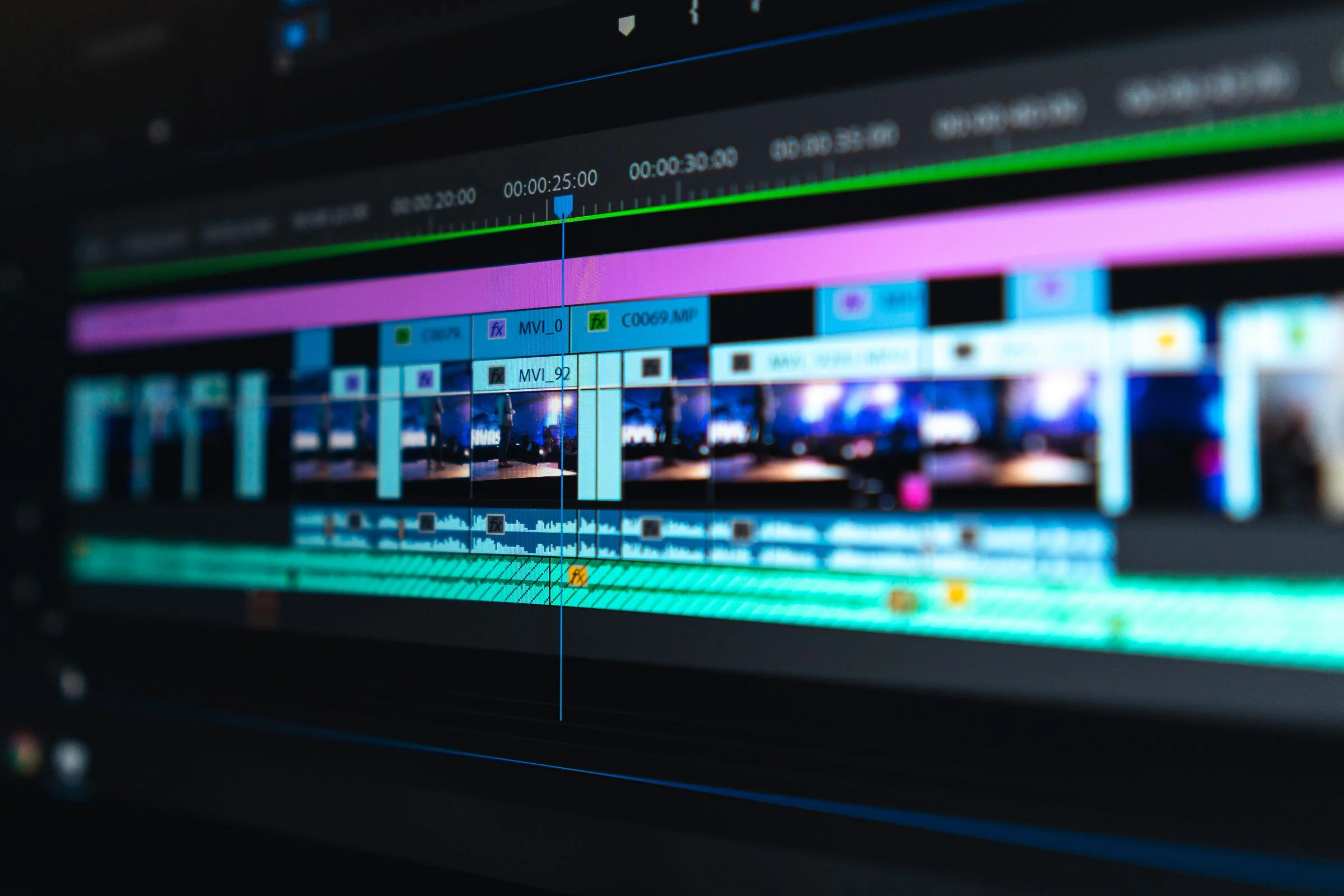
Stay away from Premiere or Final Cut. Every second spent playing with subtitles, filters or transitions is better spent talking to customers. Keep it cut & dry without music, sound effects, or other embellishments.
Getting It Done
The infographic at the top includes a recommended shotlist. Go here for the full detail and to see other shotlists. You can also use our free iPhone video-authoring app (called NanoFlick) with a custom-made template just for YC applicants. It has on-camera instructions for each shot and a shot-timer to keep you moving. It breaks the video into chunks so you can hit all the key points without having to get the whole thing perfect in a single take. There's no editing. You just shoot the shots and share to YouTube for your Y-Combinator application.
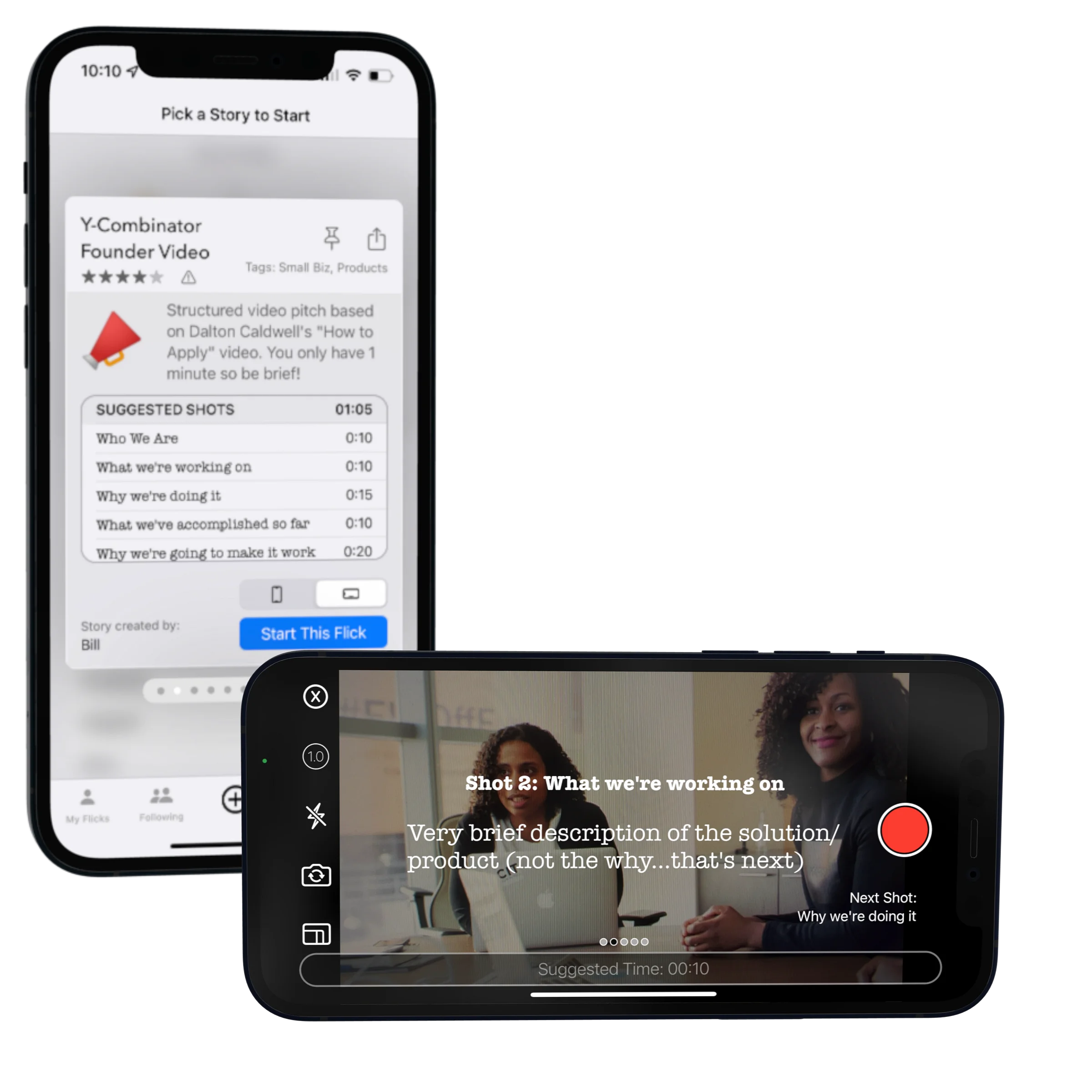
There are hundreds of video templates, including a collection for startups. You can also customize or create your own to make ads, sales pitches, customer testimonials, video press releases and more. All story templates are available for free on the NanoFlick site or in the NanoFlick app for iPhone.
Last updated